Skip to Main Content
Pelican Design System Pelican Design System icon Pelican Home
  • What’s New
  • Get Started
  • Migration Guide
  • Introduction
    • Benefits
    • Important Considerations
    • Change Management
    • Credits
    • License
  • Accessibility
    • Accessibility Statement
    • Color Contrast
    • Keyboard Navigation
    • Skip Link
    • Dyslexia Friendly
    • Headings
    • Forms
    • Live Regions
    • Accessibility Checklist
  • Foundation
    • Bootstrap or Pelican?
    • Brand Colors
    • Status Colors
    • UI Colors
    • Layout Grid
    • Spacing
    • Links
    • Typography
    • Icons
    • Voice & Tone
    • Images
    • Specific Images
  • Components
    • Alerts
    • App Screen
    • Badges
    • Breadcrumbs
    • Buttons
    • Button Container
    • Previous and Next Page Buttons
    • Back to Top Button
    • Add Data Button
    • Page Actions Button
    • Cards
    • Chip
    • Collapse
    • Content Container
    • Data Tile
    • Dividers
    • Footer
    • List Group
    • Loading Animation
    • Modal
    • Navbar
    • Official Banner
    • Page Title
    • Pagination
    • Popovers & Tooltips
    • Progress Indicator
    • Share & Social
    • Sidebar with Navigation
    • Skip Link
    • Status
    • Tabbed Content
    • Table, Striped
    • Table, Scrollable
    • Toasts
  • Form Controls
    • Using Form Controls
    • Label Guidance
    • Form Section Header
    • Checkboxes
    • Checkbox Tiles
    • Inputs
    • Autocomplete
    • Radios
    • Radio Tiles
    • Select
    • Switches
    • Text Area
    • Toggle Tokens
    • Form Validation
  • Form Templates
    • Address
    • Change Password
    • Contact Information
    • Create User ID & Password
    • Name
    • Sign In
  • Hero Blocks
    • Single Pane
    • Dual Pane
    • Boxed-in Photo
    • Text Over Color-Toned Photo
    • Textbox Over Photo
  • Feature Blocks
    • Call to Action, Single
    • Call to Action, Double
    • Icons & Text
    • Languages
    • Many Icons
    • Set
  • Page Templates
    • Item Details Page
    • Error Page
    • 404 Page
    • Documentation Page
    • Landing Page
  • Extras
    • Background Texture
  • Feedback
  • Resources
  • Sitemap
Topbar

Pelican Design System icon Pelican Design System Form Controls

  • v1.1.3
  • v2.0
  1. Home
  2. Form Controls

Form Controls

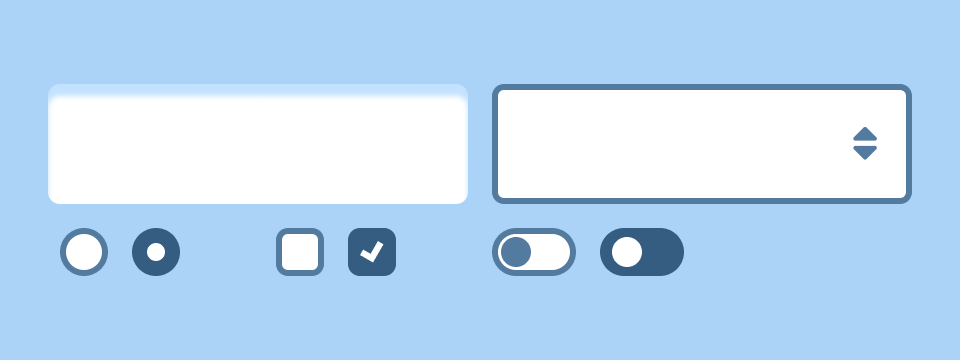
The pieces used to create a form should be easy on the user.
Edit on GitHub
Using Form Controls
Label Guidance
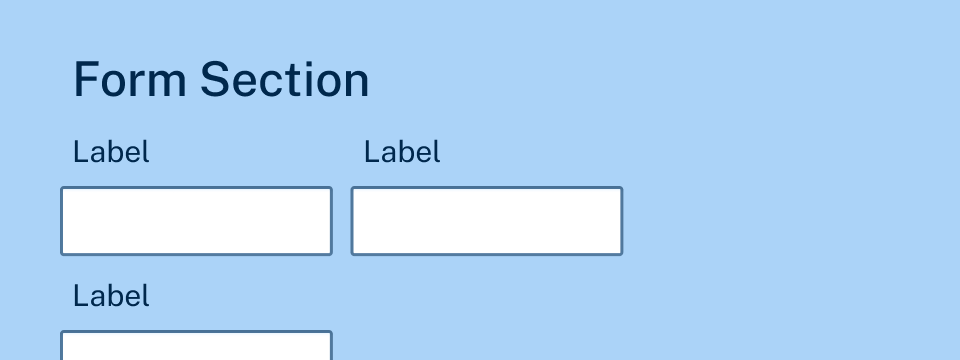
Form Section Header
Checkboxes
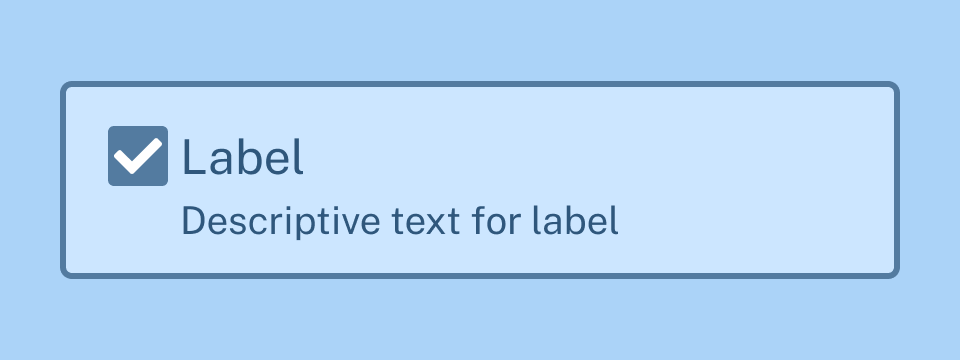
Checkbox Tiles
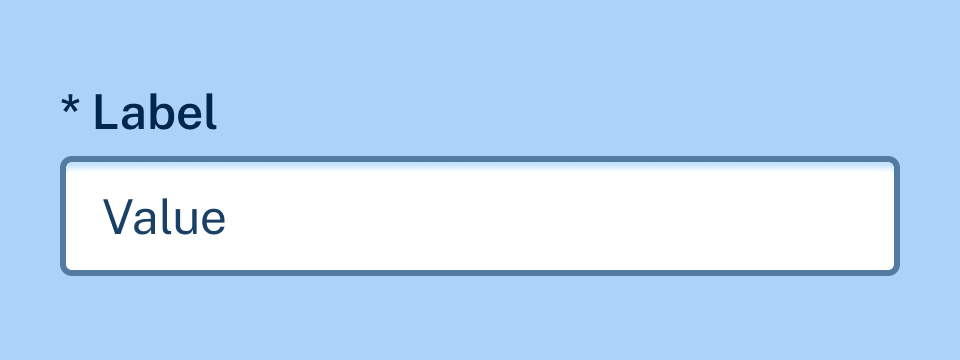
Inputs
Autocomplete
Radios
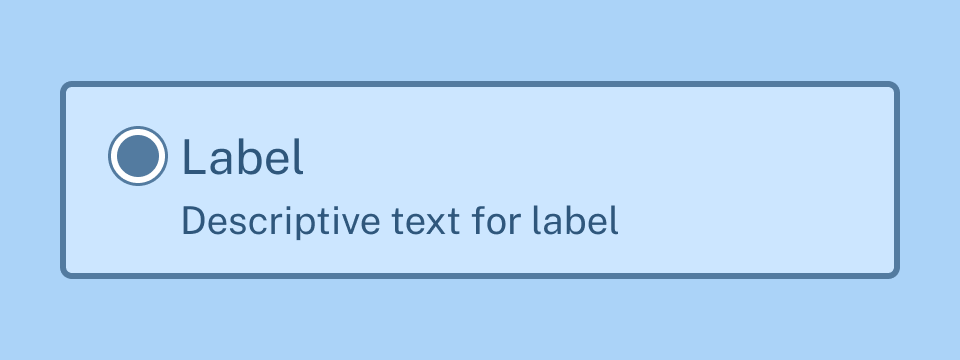
Radio Tiles
Select
Switches
Text Area
Toggle Tokens
Form Validation
Office of Technology Services

Sitemap Give Feedback
Page top